
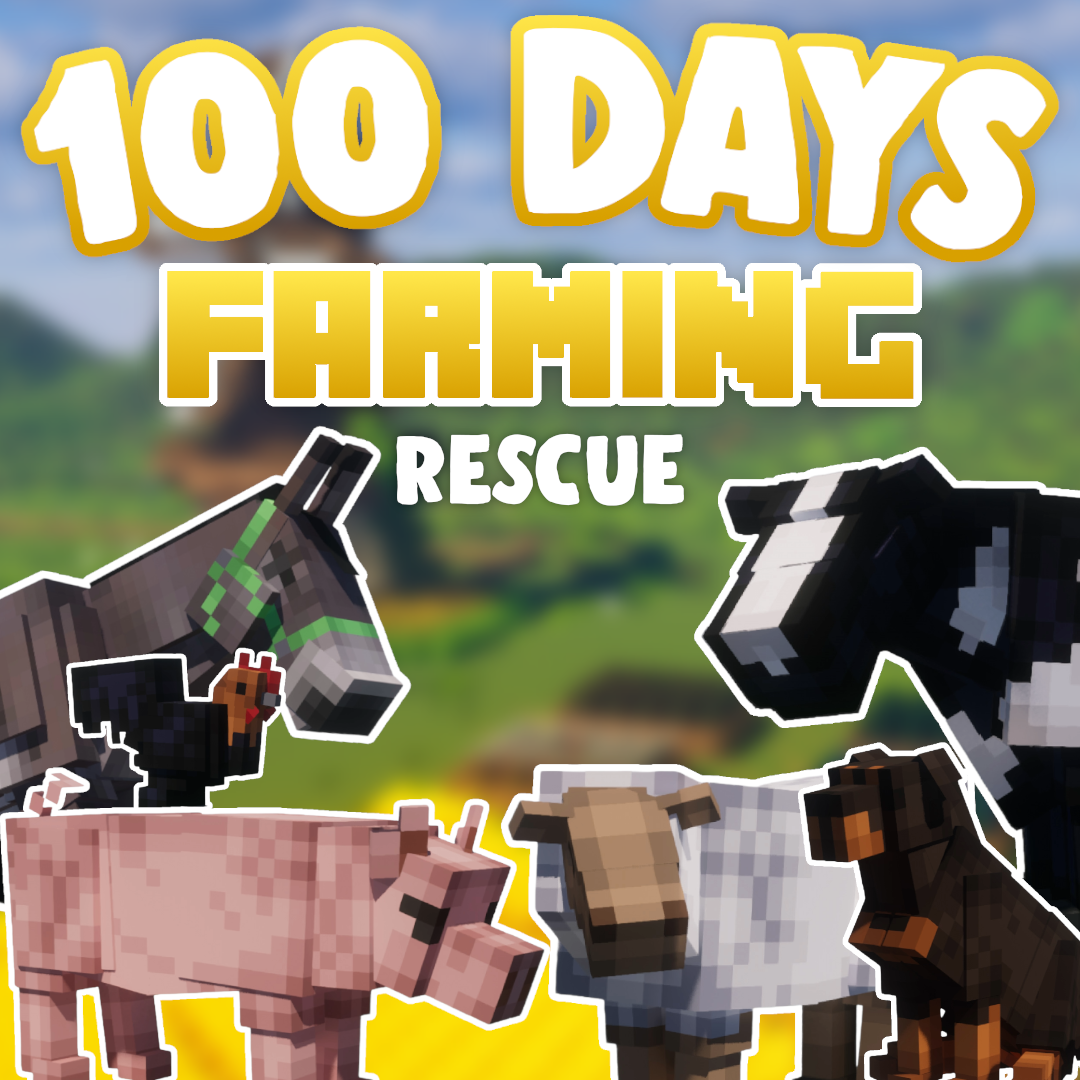
I won’t bore you with an introduction, I know you just want to jump into the 100 Days World but you’ve got to promise me something – read the instructions carefully.
Download and run the Modpack
If you try to run the modpack and it crashes / doesn’t work, unfortunately you won’t be able to play the world as it requires a PC that can handle a beefy modpack like this.
Download the world HERE
Unzip the file you just downloaded and read the instructions, making sure to follow each step
Enjoy the world! You can do anything you like within it, including go into creative, role-play, find and rescue your own horses and survive to your heart’s content
FAQ:
Hopefully you are enjoying the modpack and world without any issue, but if that isn’t the case, keep reading.
The modpack crashes / can’t load a save
Unfortunately this modpack is pretty beefy and requires a capable computer to run it. If you have installed it and it doesn’t work, chances are your machine isn’t quite up to spec.
The save isn’t showing on my worlds list
Go back and double check you’ve followed the instructions on the note document in the google drive folder. If you are still struggling, please have a quick look for a tutorial on YouTube.
There are no shaders
Correct, unfortunately CurseForge prohibits mods that aren’t hosted on the site (there is literal beef between CurseForge and Optifine, look it up). Because Optifine is considered an external mod, the modpack doesn’t include it, however you can add it manually by downloading Optifine here and getting the 1.20.1 version.
Then open the CurseForge app > select the modpack > click the three dots in the upper right hand corner > select open folder > go to mods > drop Optifine in there
Run the modpack to check everything is compatible and working, then install your favourite shader packs as usual.
Why are the horses / donkey from the video not showing up?
All equines featured in the 100 Days video were lovingly created by ko-fi artists, and it’s not just disrespectful to distribute their work, it’s also not allowed. If you want the horses to appear in your game, you’ll have to go to their ko-fi’s and download / buy the coats for yourself. Use the SWEM Addendum mod to add them in to your game, you can find the tutorial for that here.
How did you do (insert thing here)
Unfortunately I can’t offer assistance for gameplay features or mods, so it’s super important that if you’re unsure how to do something, you can go directly to the mods page on CurseForge as they usually have a wiki for help.
Why are there two worlds?
One is the ‘clean save’ which is what I played from Day 1, so you can begin your own 100 Days journey. The other one is exactly where I left off at the end of the video, so if you want to explore my farm and ride the rescue horses, you can!
With that – I hope you stick around and check out the rest of the site, subscribe to my YouTube channel and have a wonderful day!
Leave a Reply